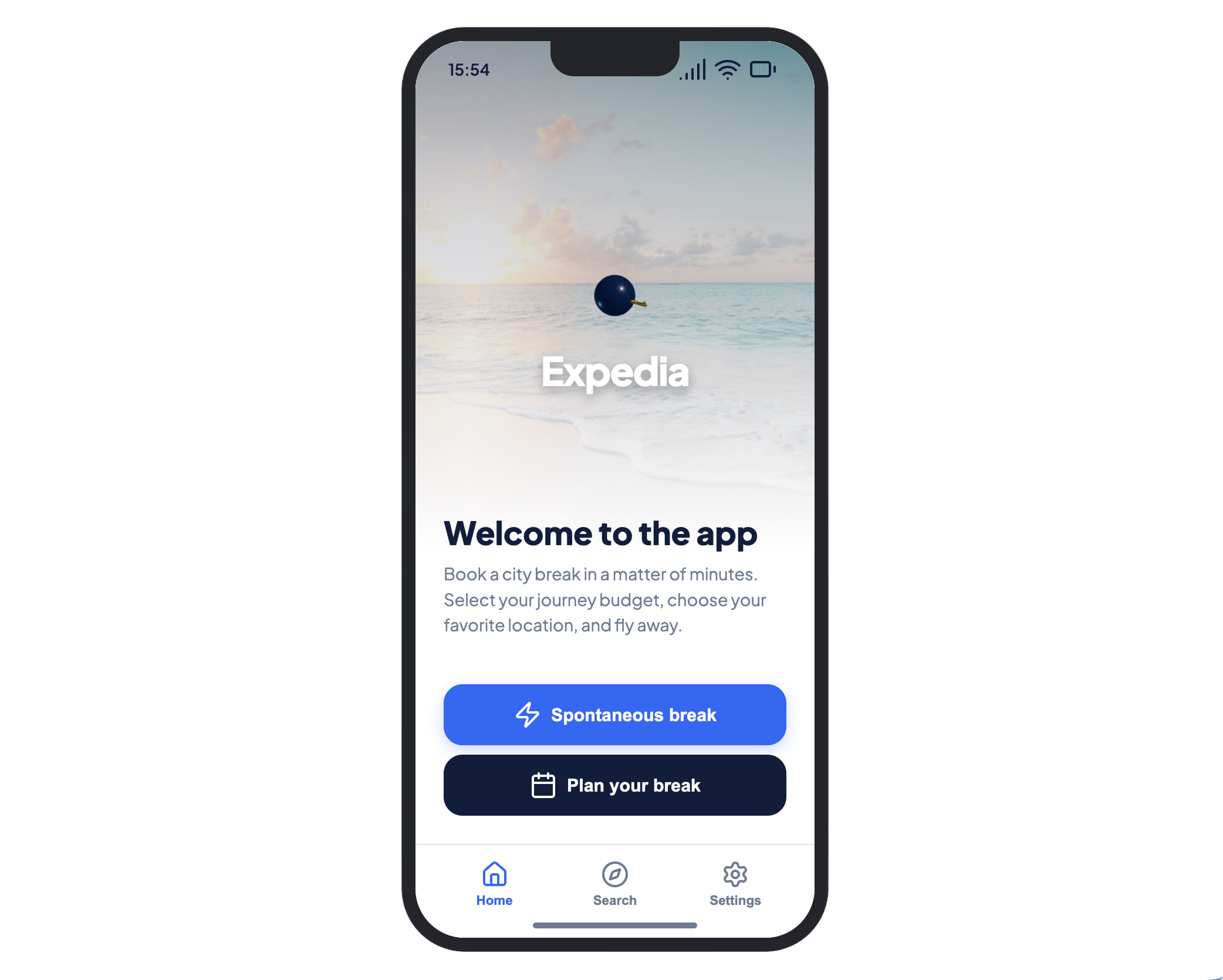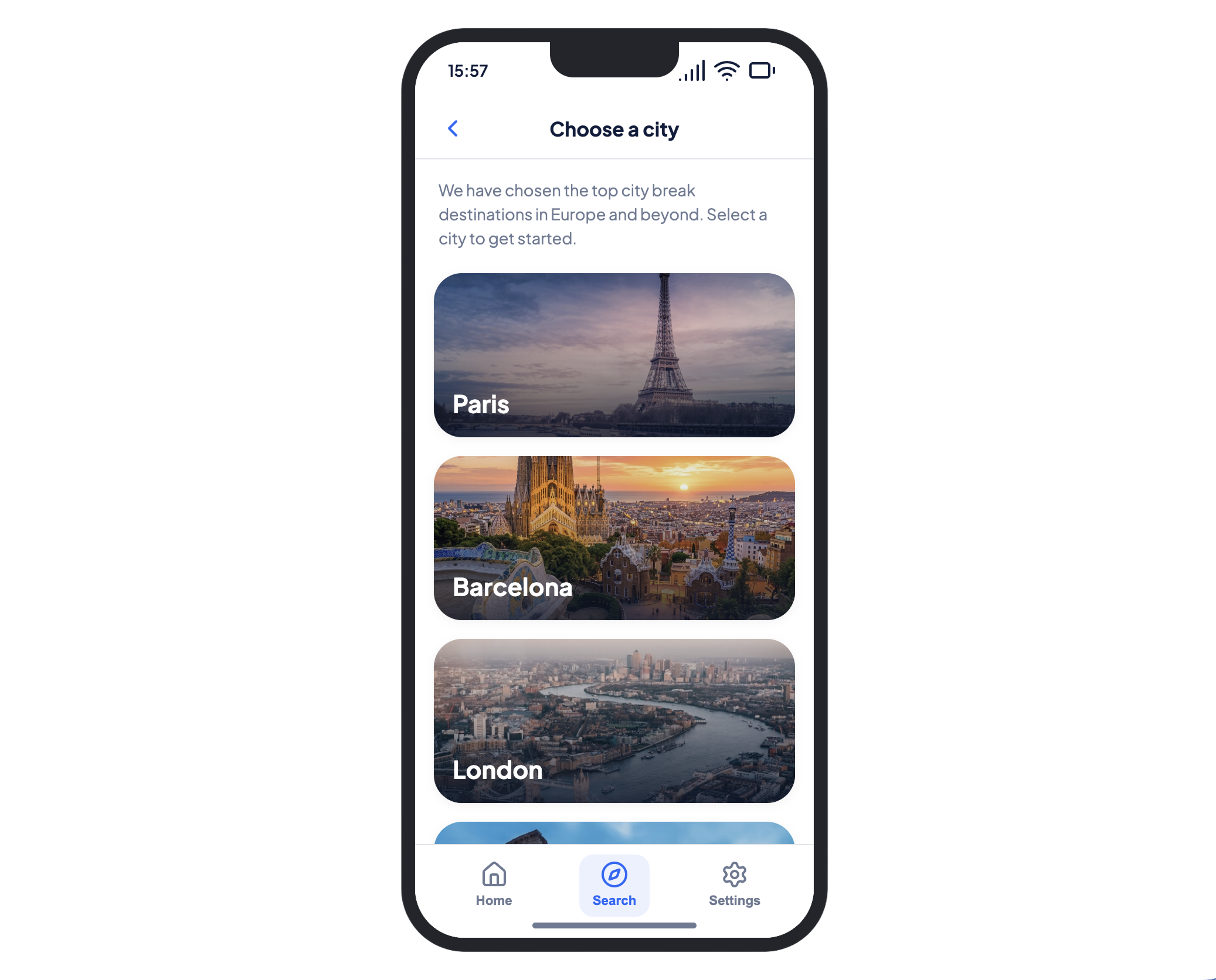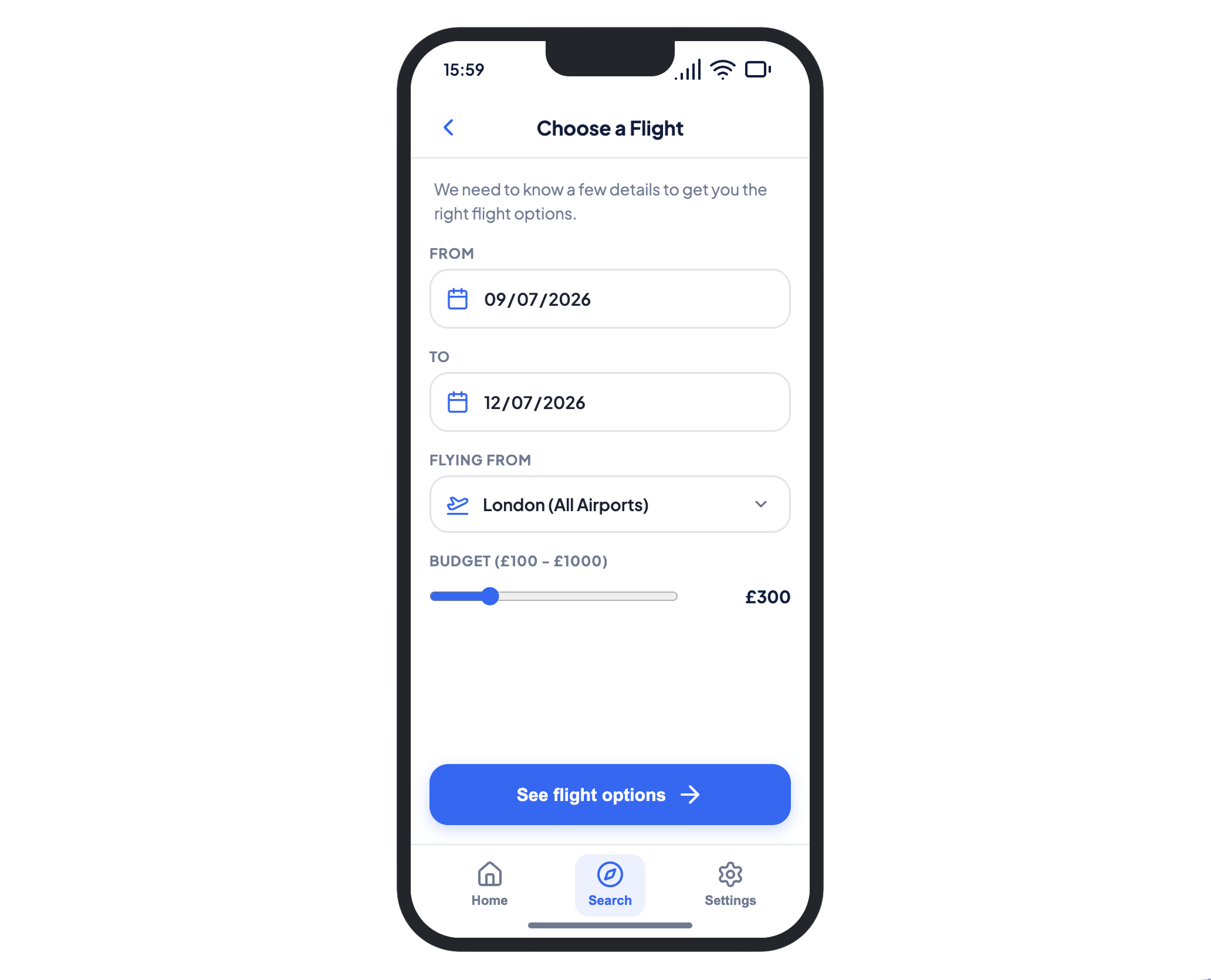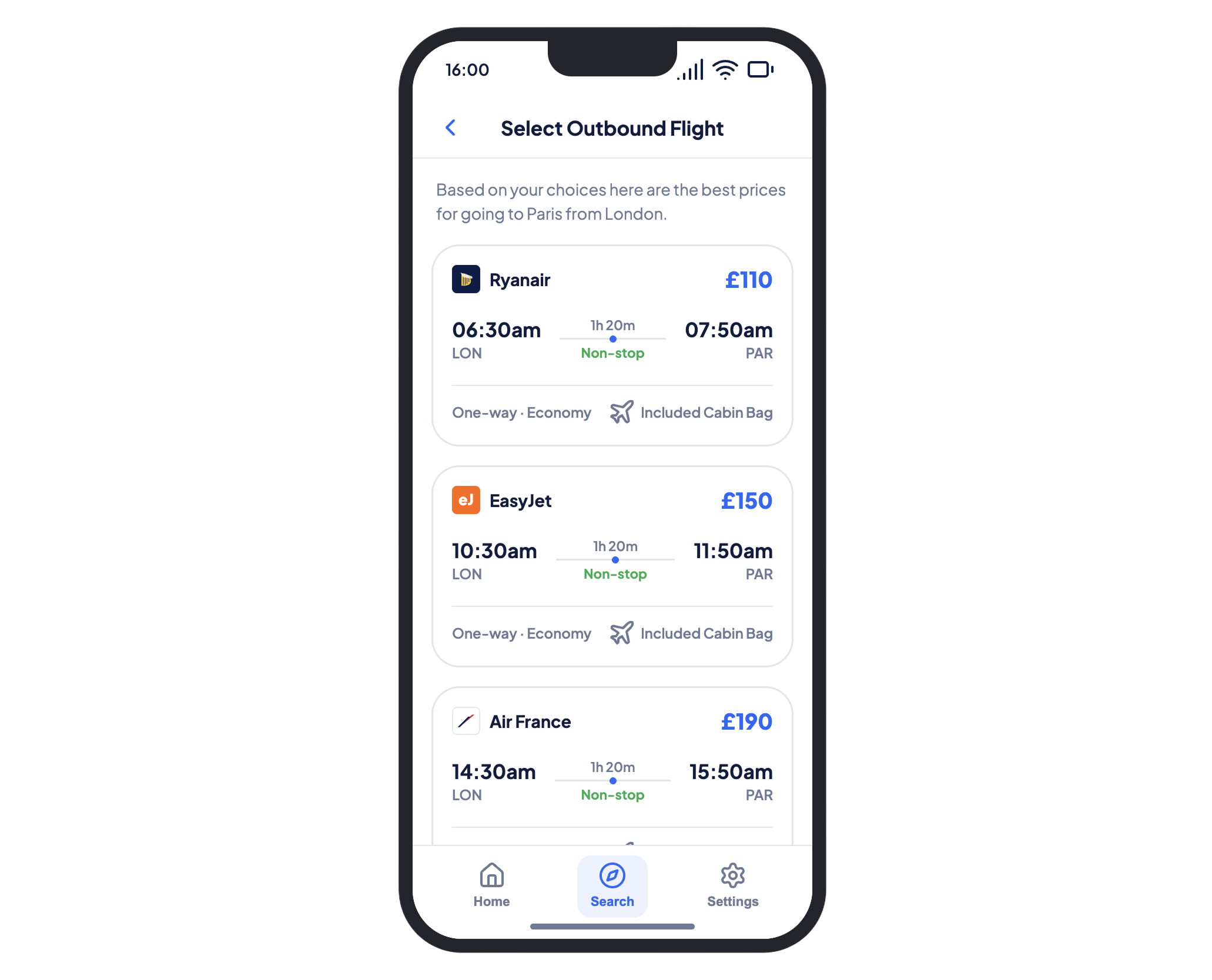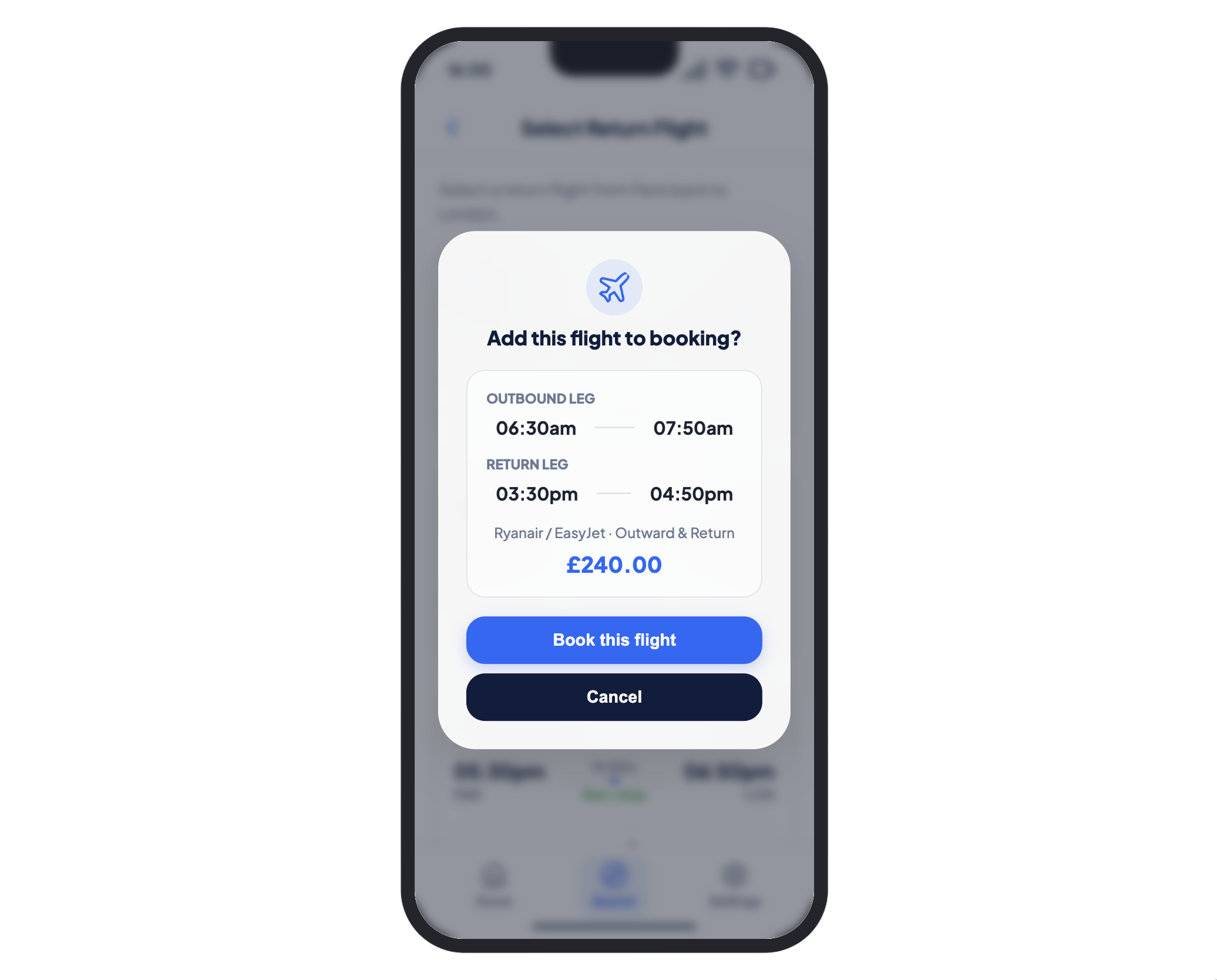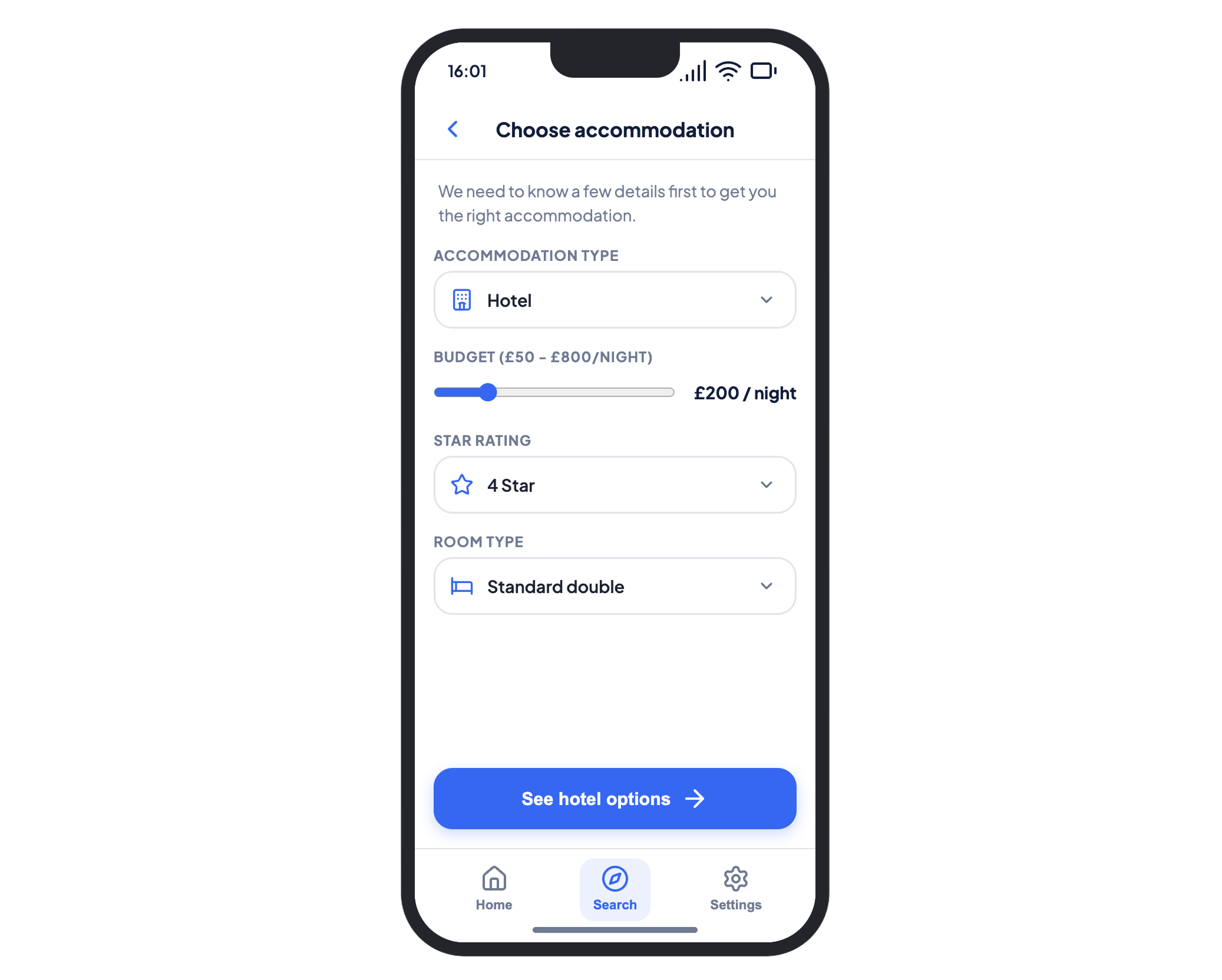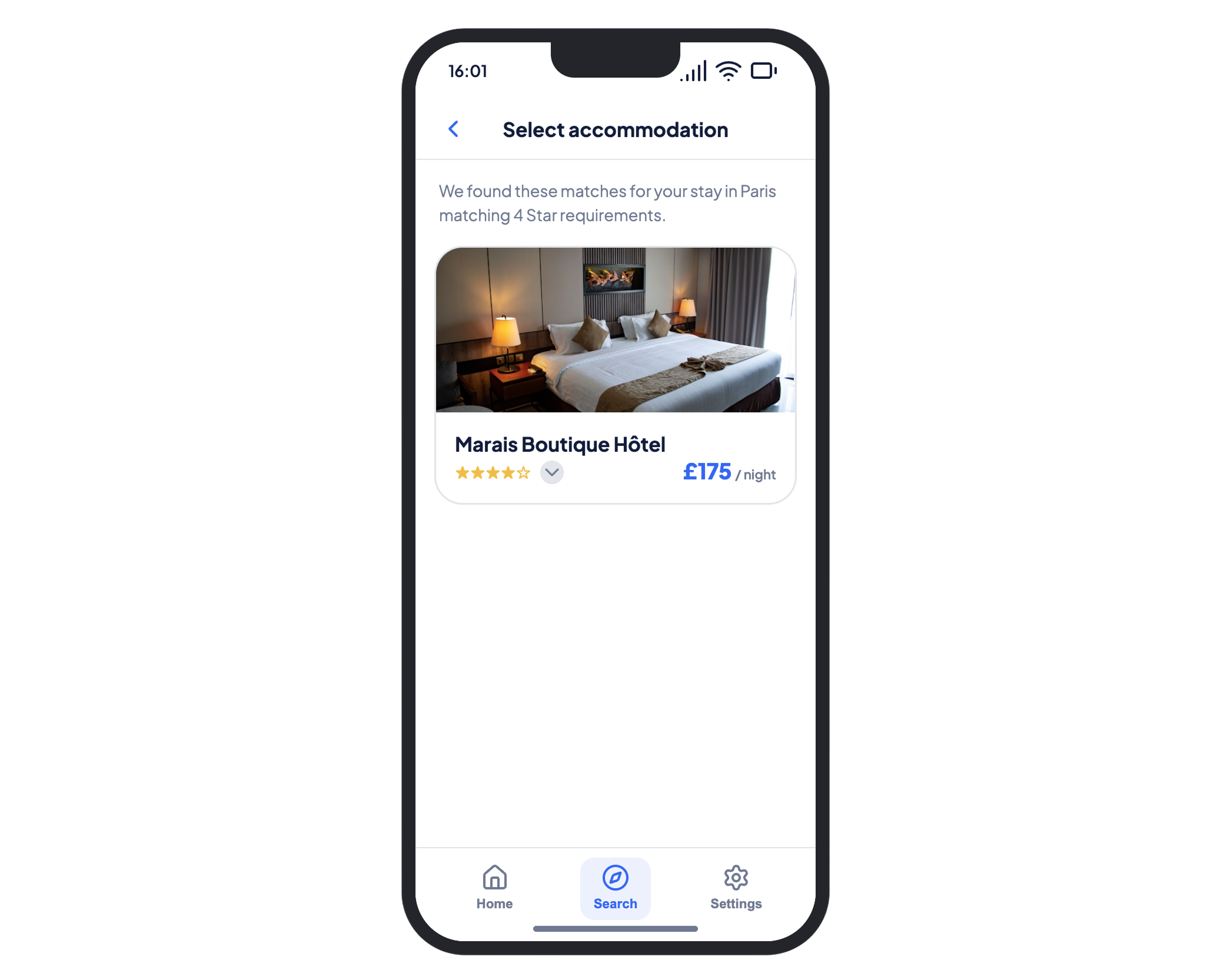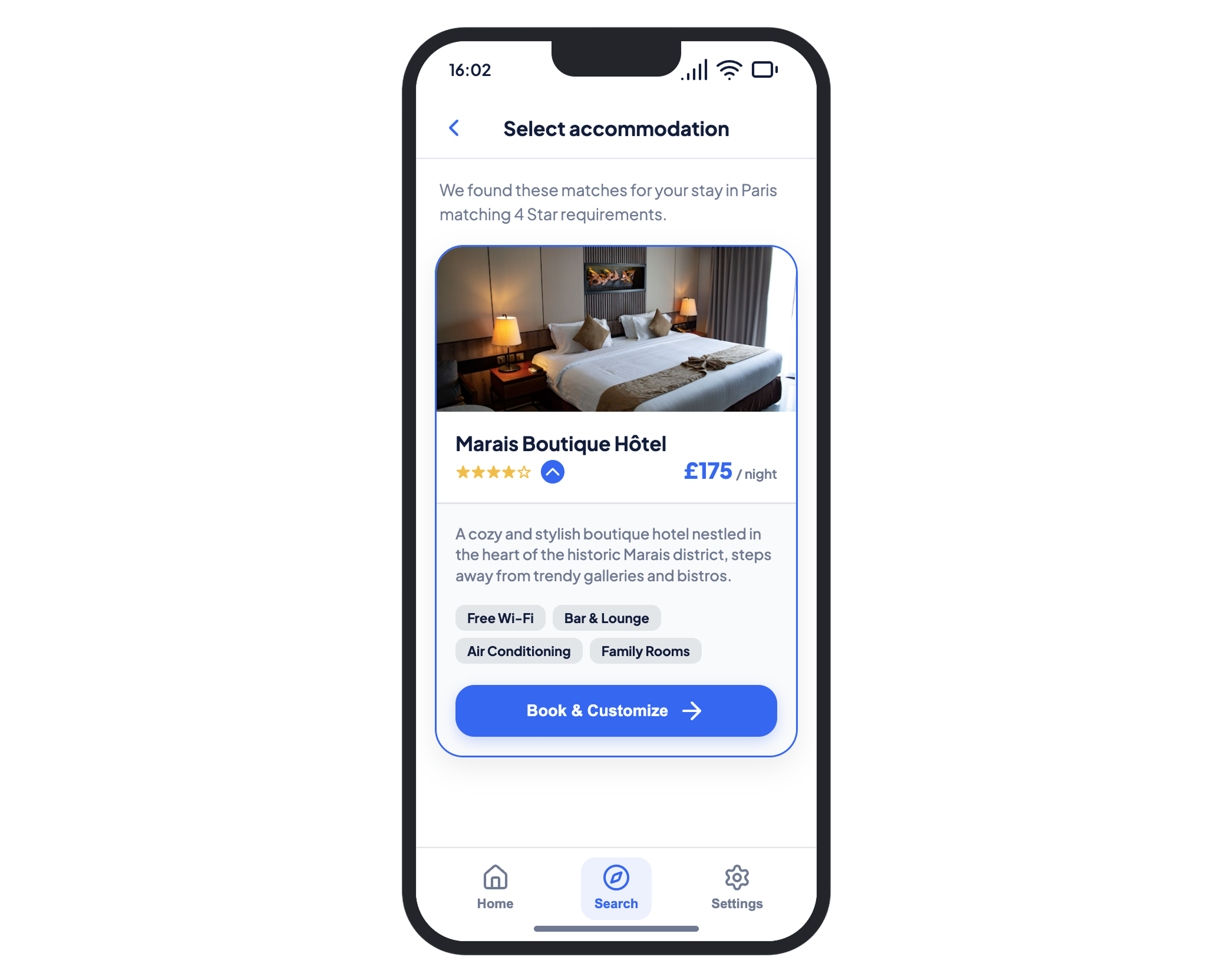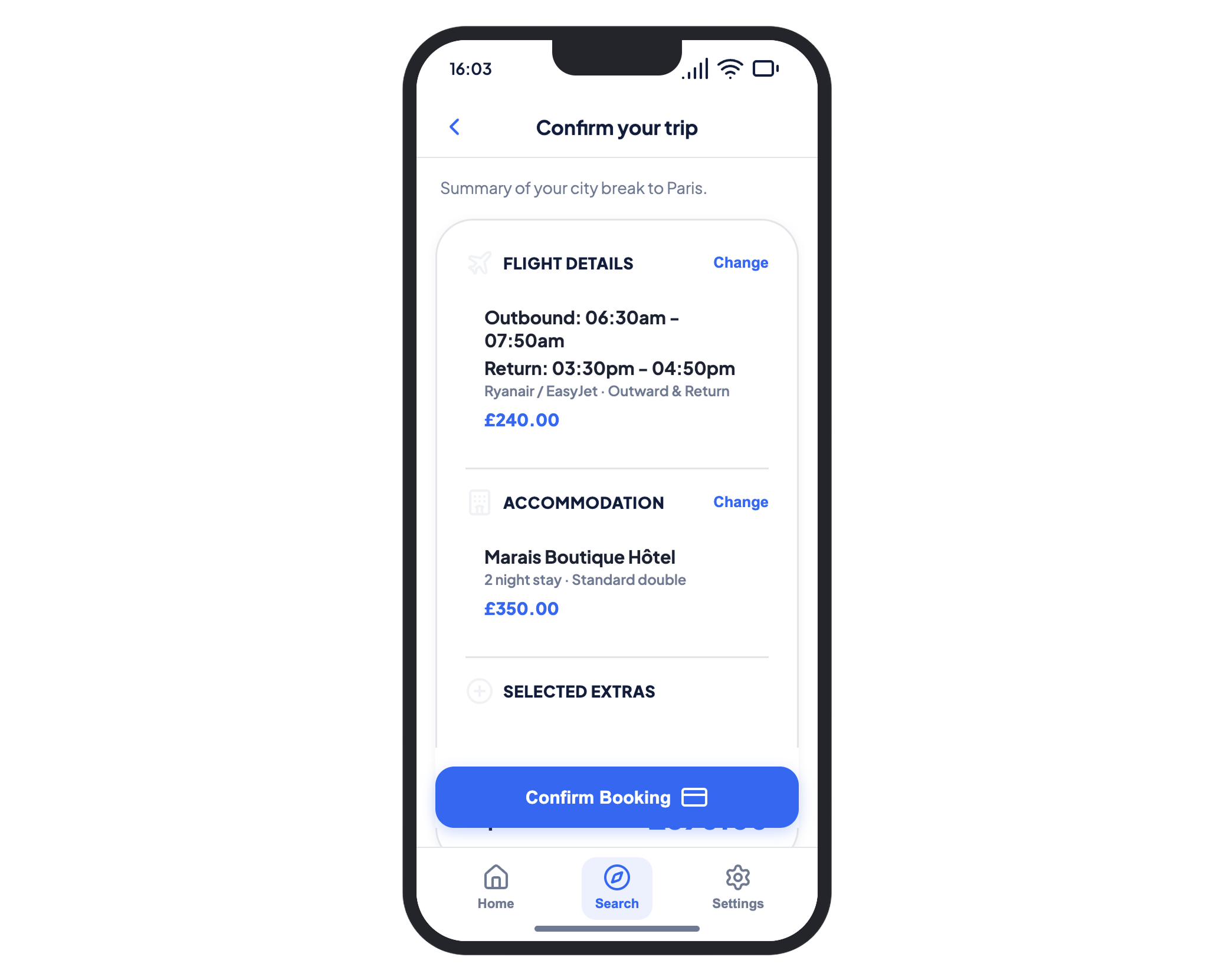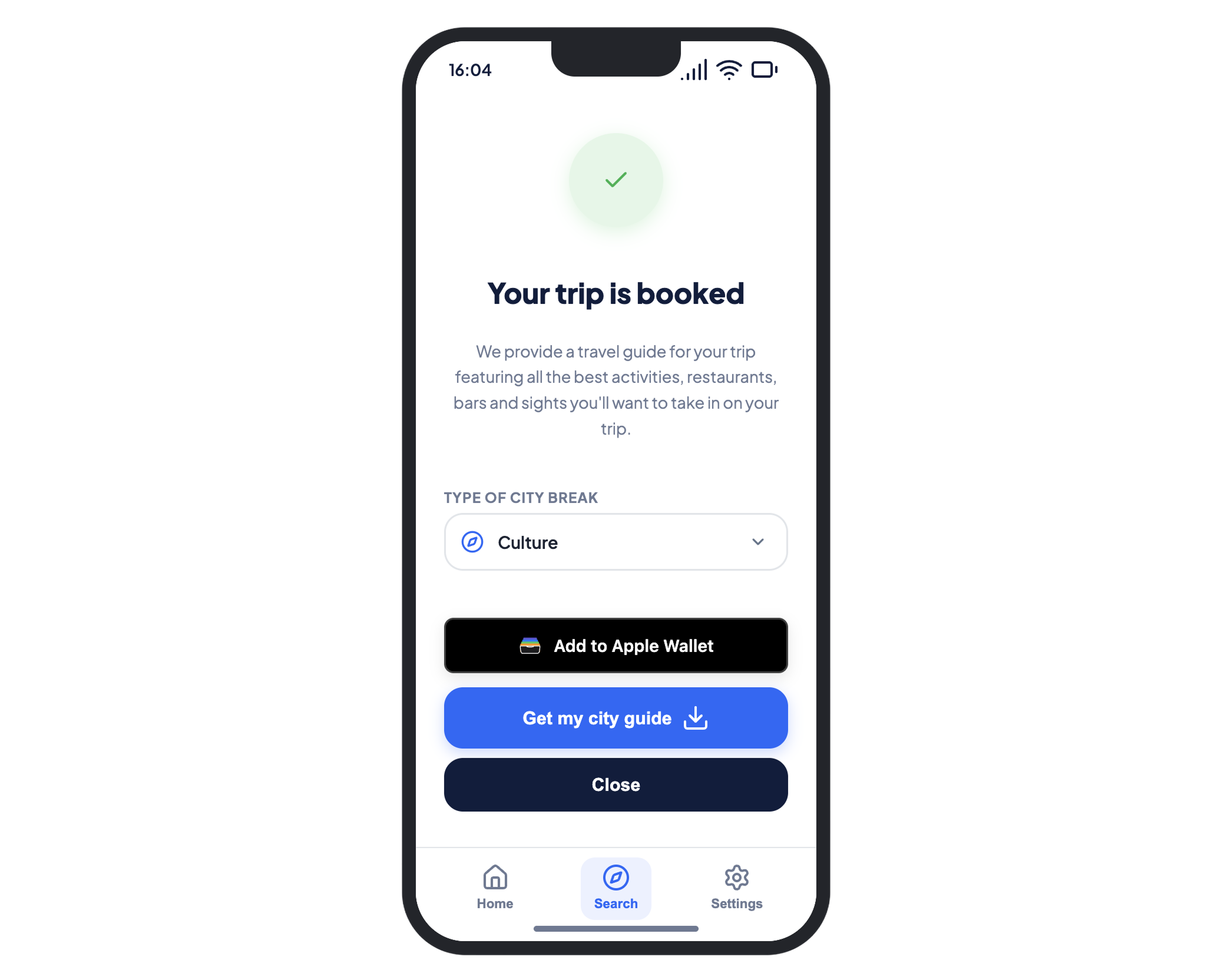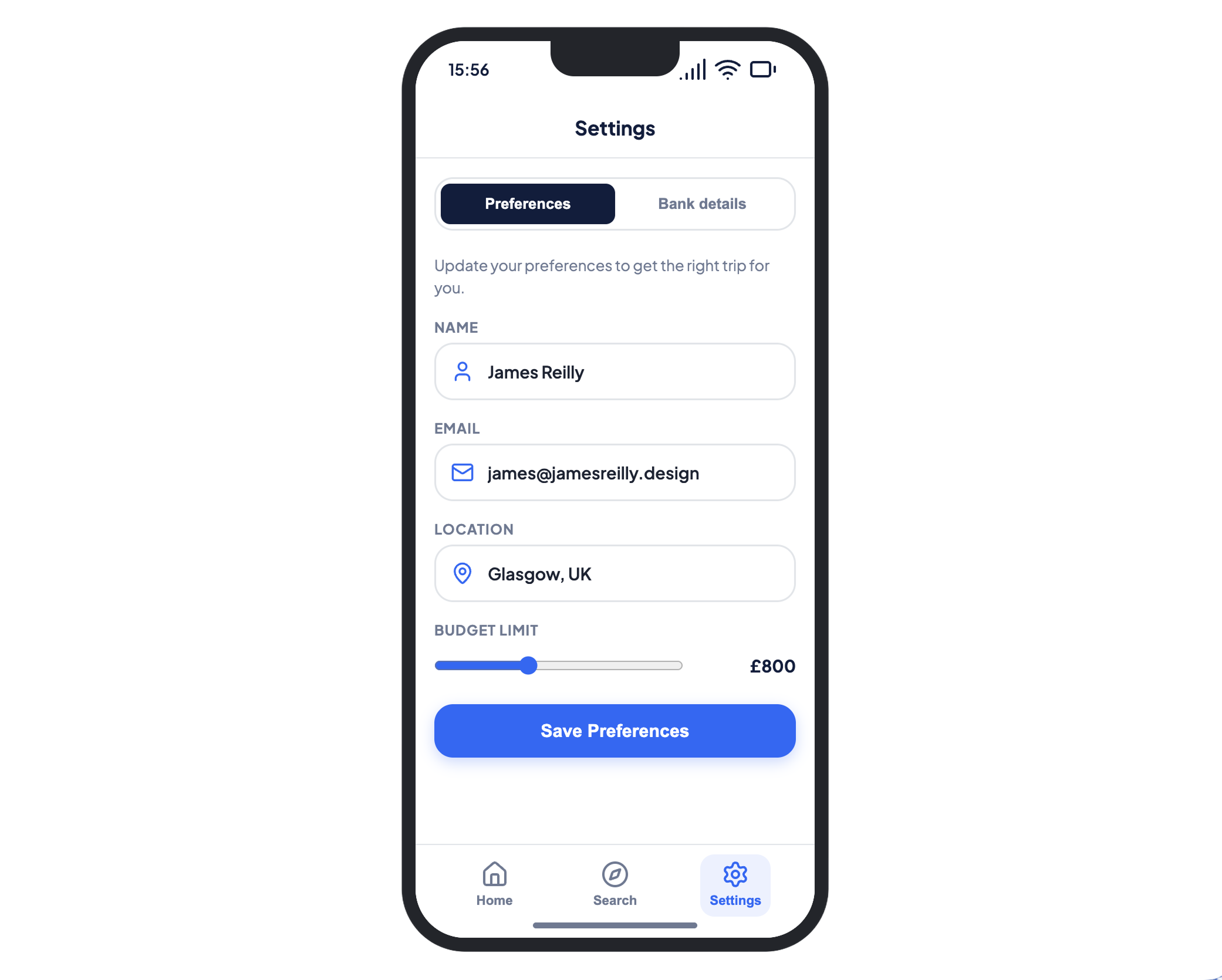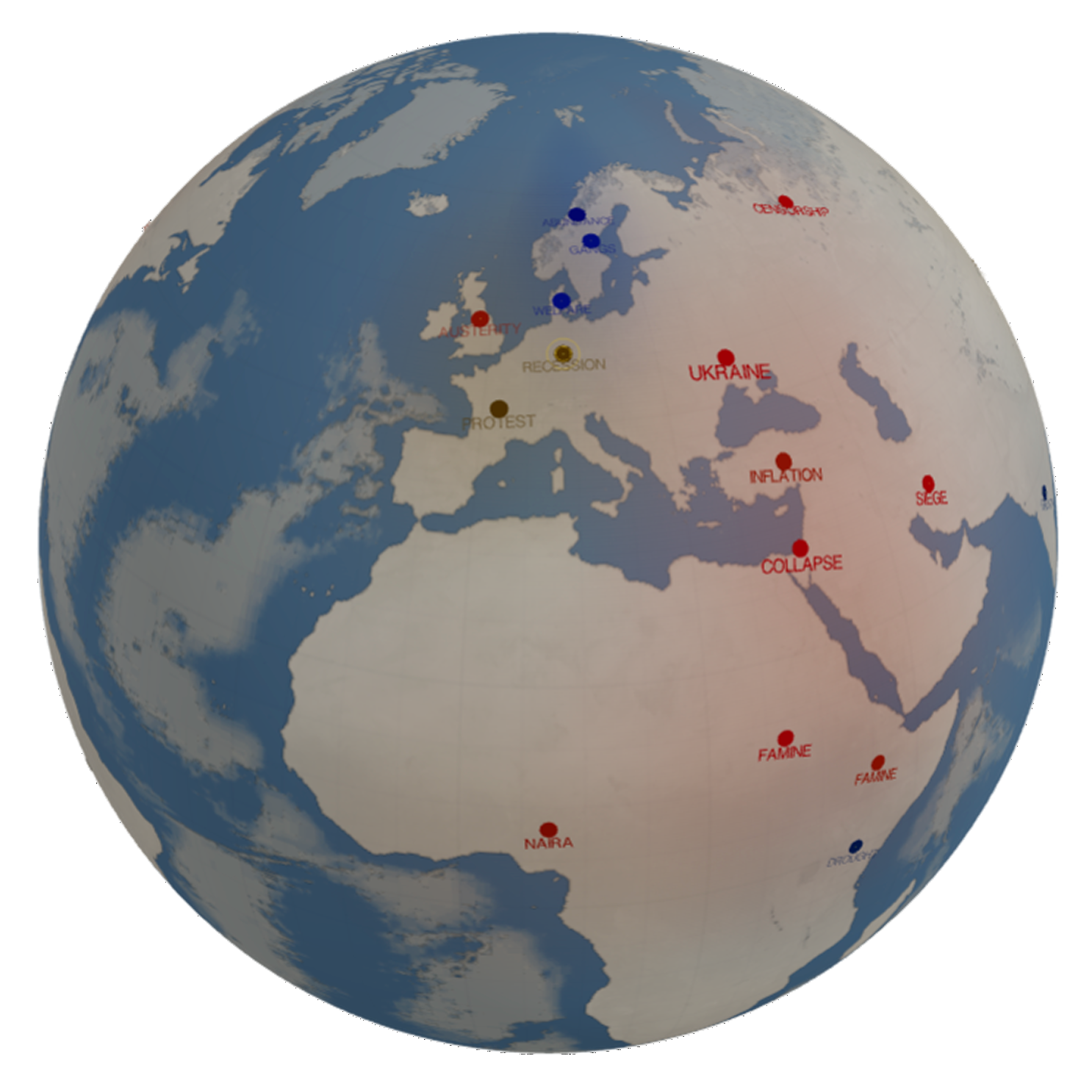
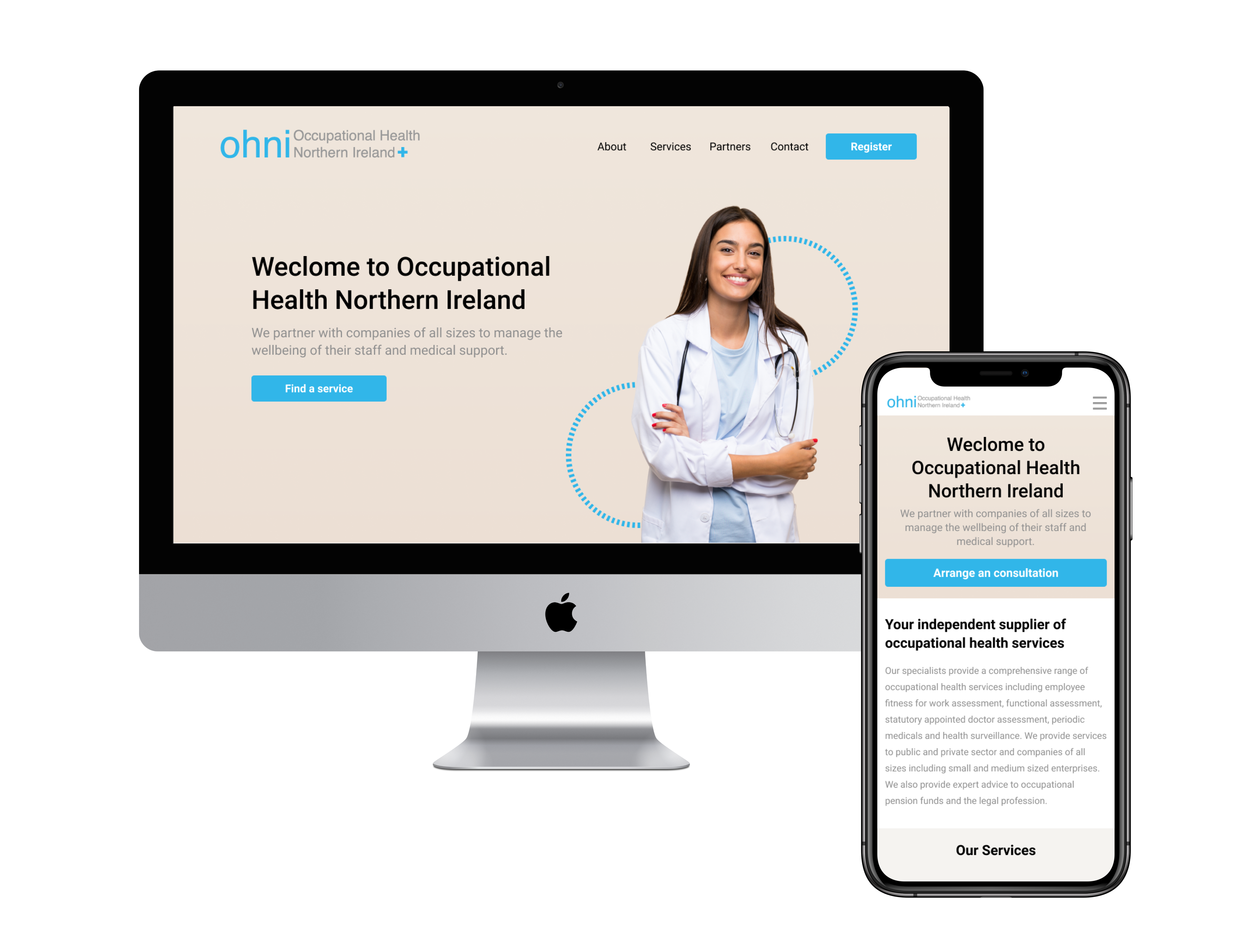
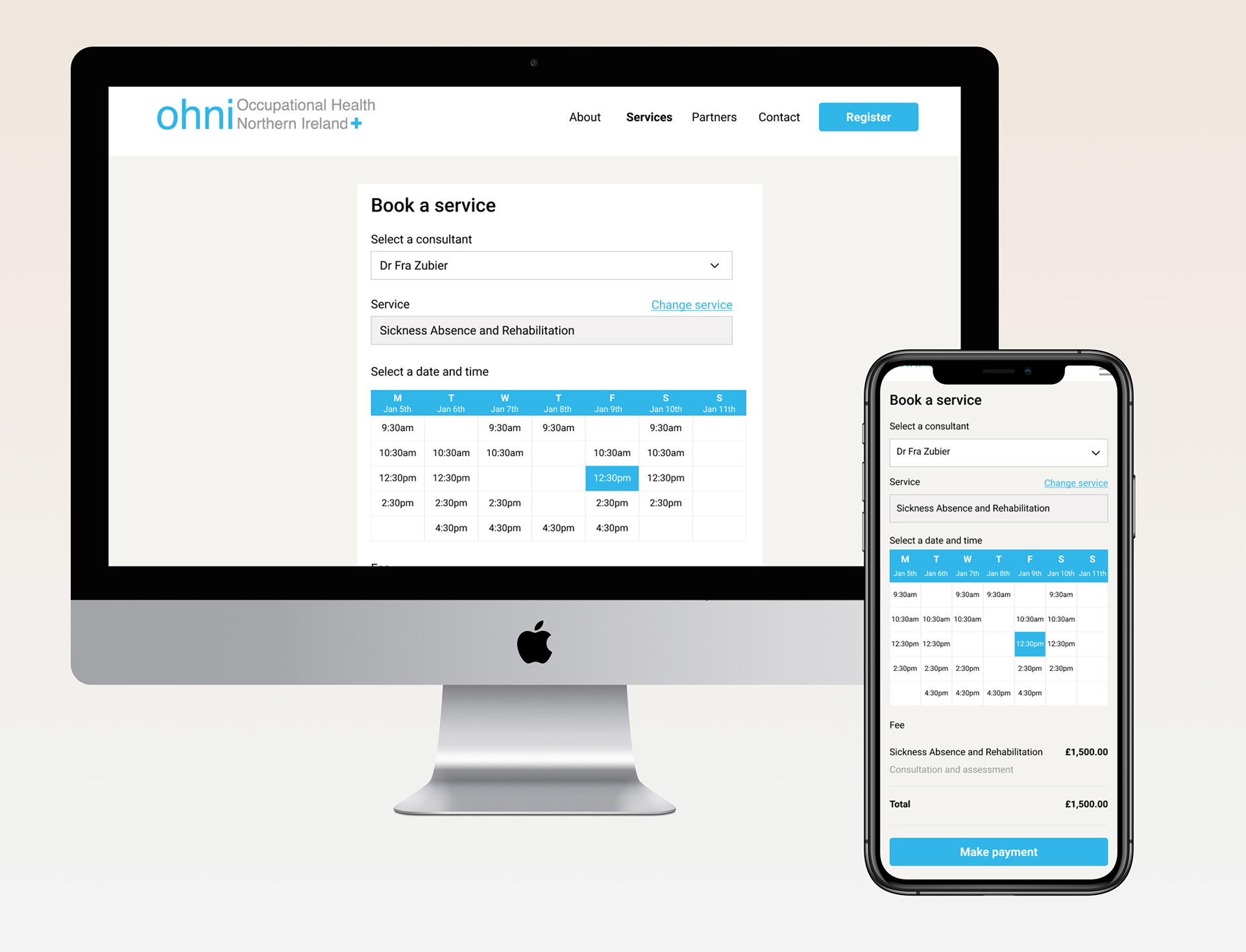
The TL;DR
In early 2026, internal access to AI tools created a chaotic wild west of browser prompting. While the initial layouts looked great, they introduced severe scope creep, broken design patterns, and massive engineering bloat.
I stepped in and built a local multi agent framework using Claude Code to stabilize the workflow. This put Figma back at the center as our single source of truth and created a programmatic design system enforcement pipeline for direct to code prototyping.
60 percent reduction in overall design to code production time.
40 percent velocity gain in shipping production ready frontend logic.
90 percent token and component accuracy enforced via a custom automated scoring script.
Zero handoff bloat achieved by delivering functional code based UI via Git Pull Requests.
The old linear process is dead
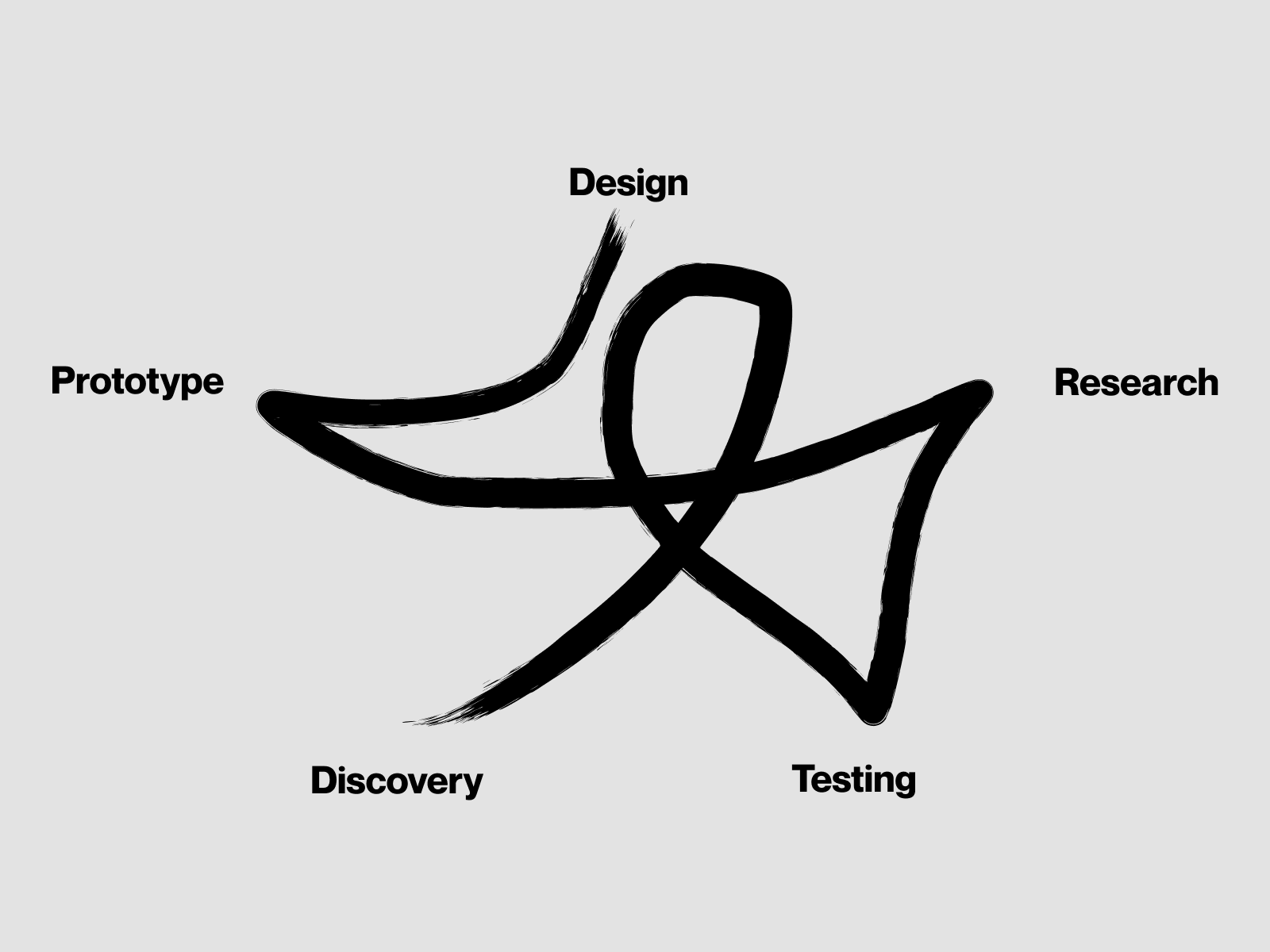
Research, iterate, design. That sequence was built for specialised teams with time to hand work down the line. In 2026 it does not hold.
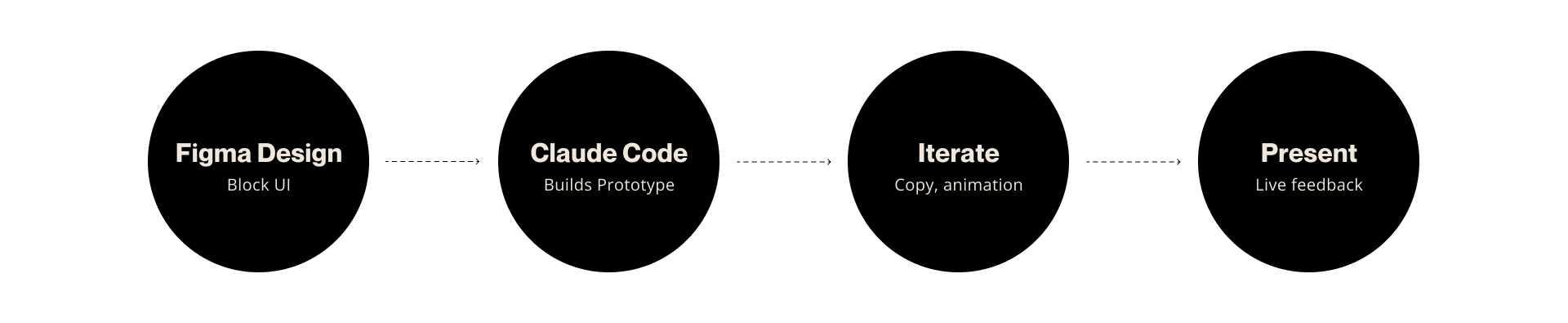
Staff reductions driven by AI mean I now own research, design, prototyping, copy, motion, and presentation across multiple products at once. A linear waterfall cannot keep up. The work has to loop in parallel: design the block UI in Figma, have Claude Code build the prototype, iterate on copy and animation in the live build, then present and take feedback in the same session.
Skill.md and sibling markdown files — high-density guardrails the agents read before they execute.
Disciplined Claude Code process
Click any stage. Human gates stay human. AI is used where it amplifies speed, not where it replaces judgment.
Disciplined AI use in enterprise design means knowing where the model belongs. Ideation, prototyping, and cheap validation loops are amplified. Requirements, pattern selection, review, and user testing stay human. The output that reaches engineering is validated design, not unchecked generation.
The Problem: Browser Prompting and the 10 Topping Pizza
When AI tools were first opened up internally, there was zero skepticism. Everyone wanted to experiment. Because the code generated by basic prompts looked visually superior to standard developer UI, I was quickly trialed to push code directly to engineering teams.
We rapidly hit a wall with browser based iteration. Without strict guardrails, we lost our source of truth. The AI started generating hallucinated features, breaking conventional layout grids, ignoring typography scales, and introducing massive scope creep. It became the classic 10 topping pizza problem where the model kept inventing things nobody asked for. This resulted in long hours spent manually wrestling the code back into compliance.
The Strategy: Enforcing a Programmatic 90 Percent Tolerance Gate
I got sick of wrestling with browser inputs, so I moved the workflow into a local terminal using Claude Code. I established a strict architecture where static Figma designs remained the source of truth, utilizing Claude to interpret visual layouts and token frameworks with high precision.
To automate governance, I designed a multi agent validation pipeline backed by a custom auditing script:
The Scope Gatekeeper verifies instructions against strict product requirements to block scope creep.
The Design System Auditor programmatically scans the generated code class names to check exactly which components are pulled from our official design system.
The 90 Percent Tolerance Rule is a calculation built into the pipeline that scores design system utilization. If component compliance falls below a strict 90 percent threshold, the build automatically halts, flags the non compliant code, and surfaces it for manual direction.
Reusability Enforcement forces the model to reuse instead of rebuild existing components. This optimizes token spend and prevents the model from writing global UI from scratch.
The Human in the Loop Reality
While the automated agent workflow keeps accuracy above 90 percent, real senior oversight is mandatory for handling exceptions. The system is not a replacement for craft. It requires acting like an Art Director for AI.
When the audit flags a score below 90 percent, it is usually because a specific use case requires a highly customized interaction or validation state that the standard library does not support. My role shifts to executing final quality control. I review the flagged exceptions, verify the end to end user flow logic, and manually override code where unique components are genuinely required.
Closing the Handoff Gap: The Engineering Inspector
To share these highly accurate prototypes across distributed teams, I integrated directly into the engineering team Git workflow to open Pull Requests.
To completely remove traditional handoff friction, I built two key collaborative features into the running prototypes:
In Context Comments allow stakeholders and engineers to click anywhere on the live running web screen to leave feedback. This mimics the collaborative feel of Figma but on production ready code.
Component Inspect Toggle is an interactive toggle engineered directly into the UI. Engineers can switch it on or off to instantly see a visual overlay of exactly which design system components are being utilized in the code, ensuring total transparency between design intent and frontend execution.
Pragmatic Governance: A Scalable Repeatable Engine
This initiative started out of professional skepticism. I wanted to know if we were genuinely saving engineering cycles or just burning corporate budget on token fees. By conducting a granular cost benefit analysis calculating my hourly rate against daily token spend, I proved that this agentic workflow reduced design to production costs by 60 percent compared to traditional static handoffs.
This framework is not a one off experiment. Because the multi agent pipelines, automated auditing scripts, and inspector toggles are entirely packaged, I bring this custom development engine to every new project I touch.
The repository structure sits cleanly on GitHub. The corporate design system component library is pulled in securely via standard dependency management inside node modules where local terminal agents can immediately parse and import verified components. System architecture, strict interaction criteria, and flow logic are maintained in markdown files to provide high density, low token context that the agents read as their behavioral guardrails before executing code. I never start from scratch, allowing me to bypass baseline setup phases and immediately spin up compliant enterprise grade prototypes at maximum velocity.